


Congratulations on getting your DroneMobile system installed. You and your vehicle are now connected like never before. As with any new technology, you might be wondering exactly where to start to get the most out of your experience.
Follow this guide to set up your account and customize the app to fit your lifestyle.
Set Up Your Free Premium Trial
Every new DroneMobile installation comes with a 30-day free trial of our Premium service. This includes vehicle control, GPS tracking, and instant alerts. For most users, Premium offers the ideal balance of features to stay connected with their car.
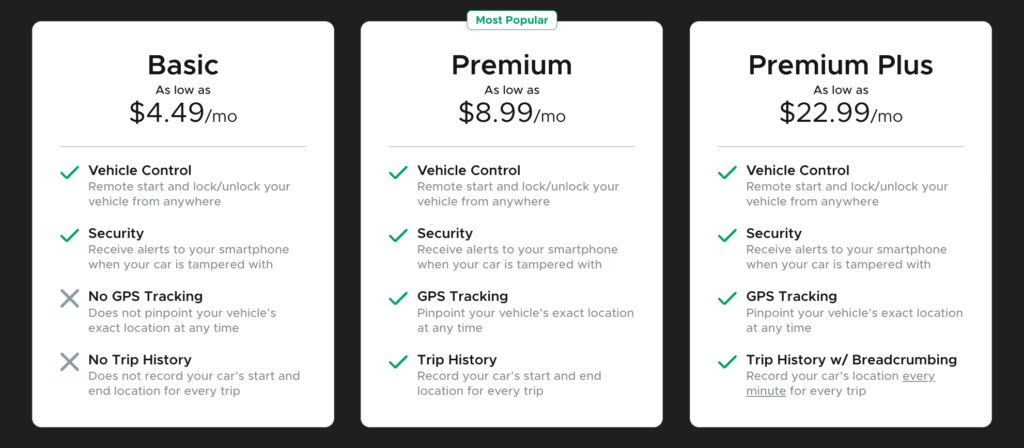
To ensure your service remains uninterrupted, you can set up an automatic renewal with a valid billing method at any time during your trial. This ensures you never go a day without the peace of mind that DroneMobile provides.
Customize Your Vehicle Profile
When our support team connects with new users, we always enjoy seeing a great photo of their car or a creative vehicle nickname. Beyond personalizing your experience, uploading these details serves a practical purpose.
Having a distinct photo and name eliminates the possibility of accidentally sending a command to the wrong vehicle if you have multiple DroneMobile systems in your household or business.
Personalize Your Home Screen
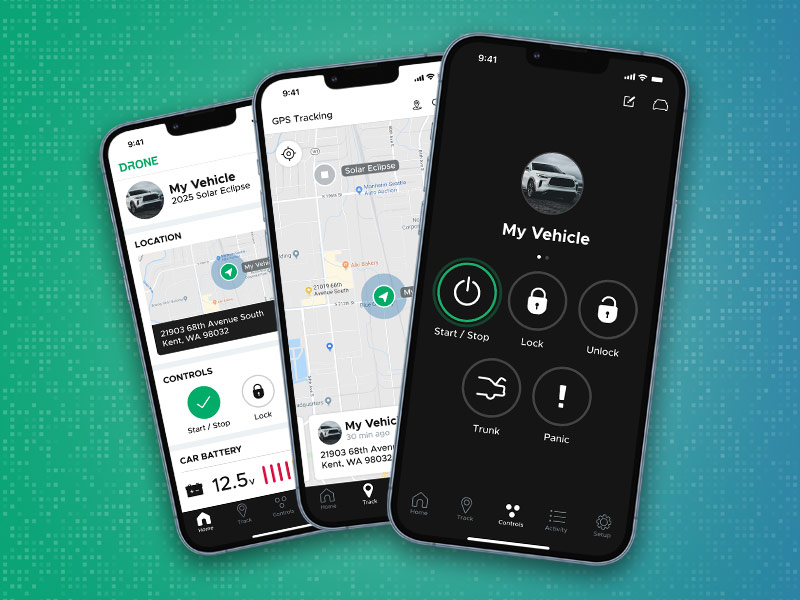
The DroneMobile app home screen features a variety of widgets that display vital information. You can rearrange these to prioritize what matters most to you. Simply tap the pencil icon in the top right corner to enter edit mode.
Depending on how you use your vehicle, you might consider these layouts:
- The Daily Commuter: Move Controls to the top so you can quickly lock, unlock, or remote start your car the moment you open the app.
- The Family Driver: If a teen or family member is using the car, place the Location widget at the top to see where the vehicle is at a glance.
- The Prized Possession: For project cars or vehicles that sit for long periods, prioritize Battery and Status widgets to monitor your battery levels and health.
Set Up Important Alerts
Setting up alerts is one of the most important steps for vehicle security. To manage these, tap the Setup icon in the lower right corner, select Vehicles, and then choose Alerts.
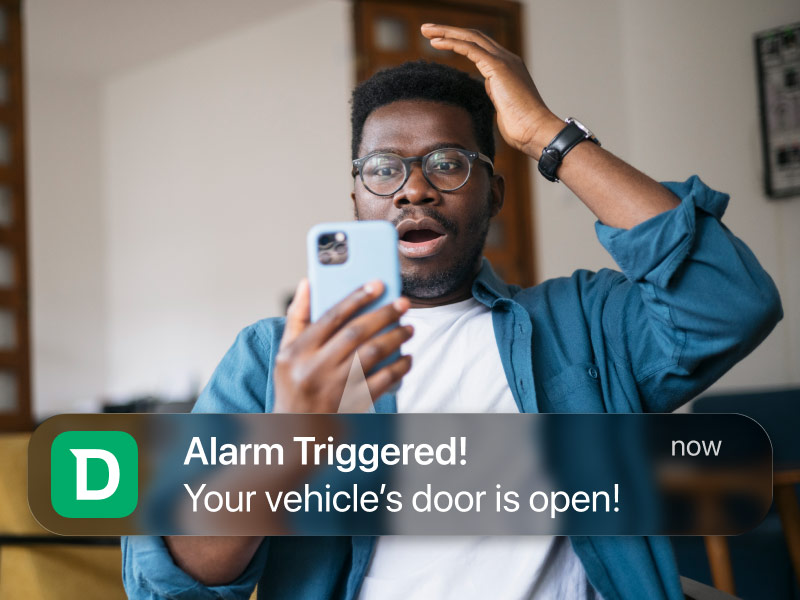
From this menu, you can toggle specific notifications on or off based on your preferences. Please note that the specific alerts available to you may vary depending on your DroneMobile hardware and installation type.
We Are Here to Help!
If you need more assistance getting your system up and running, we provide several resources to guide you through the process.
You can watch step-by-step tutorials on the DroneMobile YouTube page or browse our extensive Knowledge Base for detailed articles and troubleshooting tips.
YouTube: youtube.com/@dronemobileapp
Help Center: help.dronemobile.com
Latest Stories
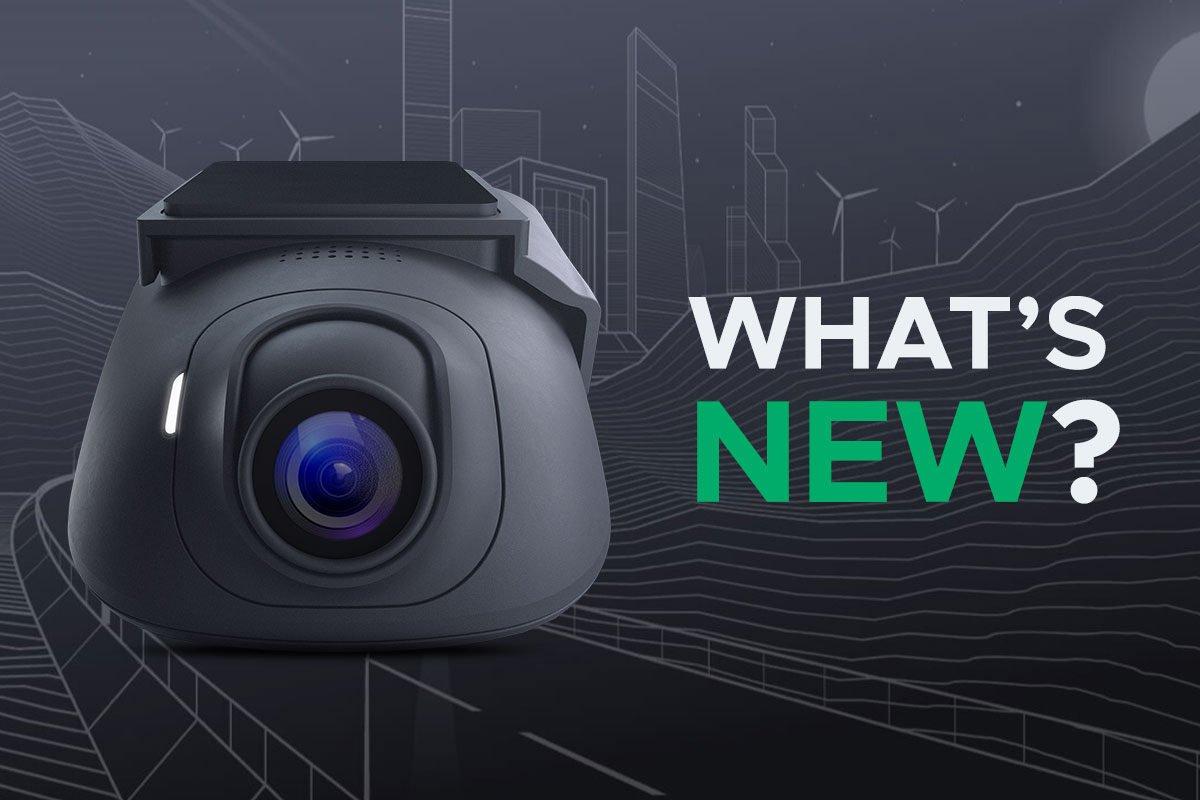
What's New with Drone XC2?
Let's dive into what's new with Drone's newest dash camera, the XC2-LTE.
Jul 14, 2026
Read More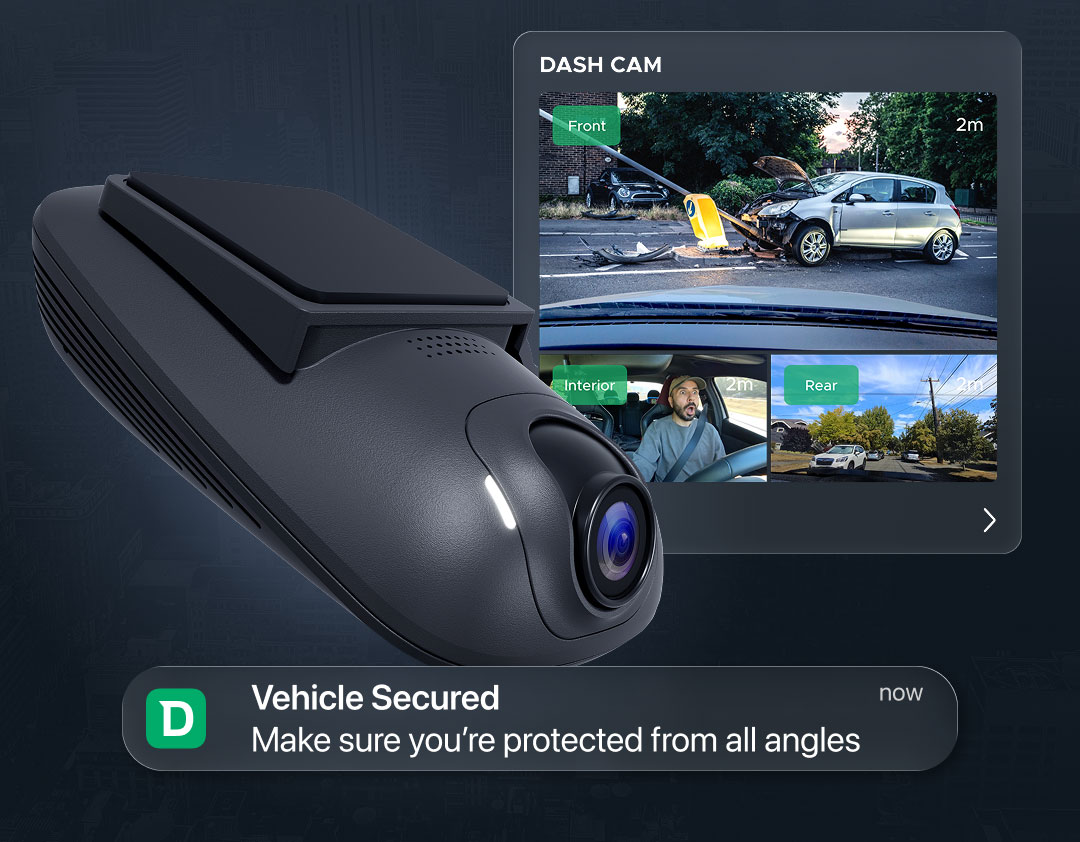
Firstech Announces Next-Generation Drone XC2 LTE Dash Camera
Firstech, the maker of Compustar and DroneMobile, today announced the release of the Drone XC2 (model: XC2-LTE), the next generation of its LTE-connected dash camera ecosystem.
Jul 14, 2026
Read More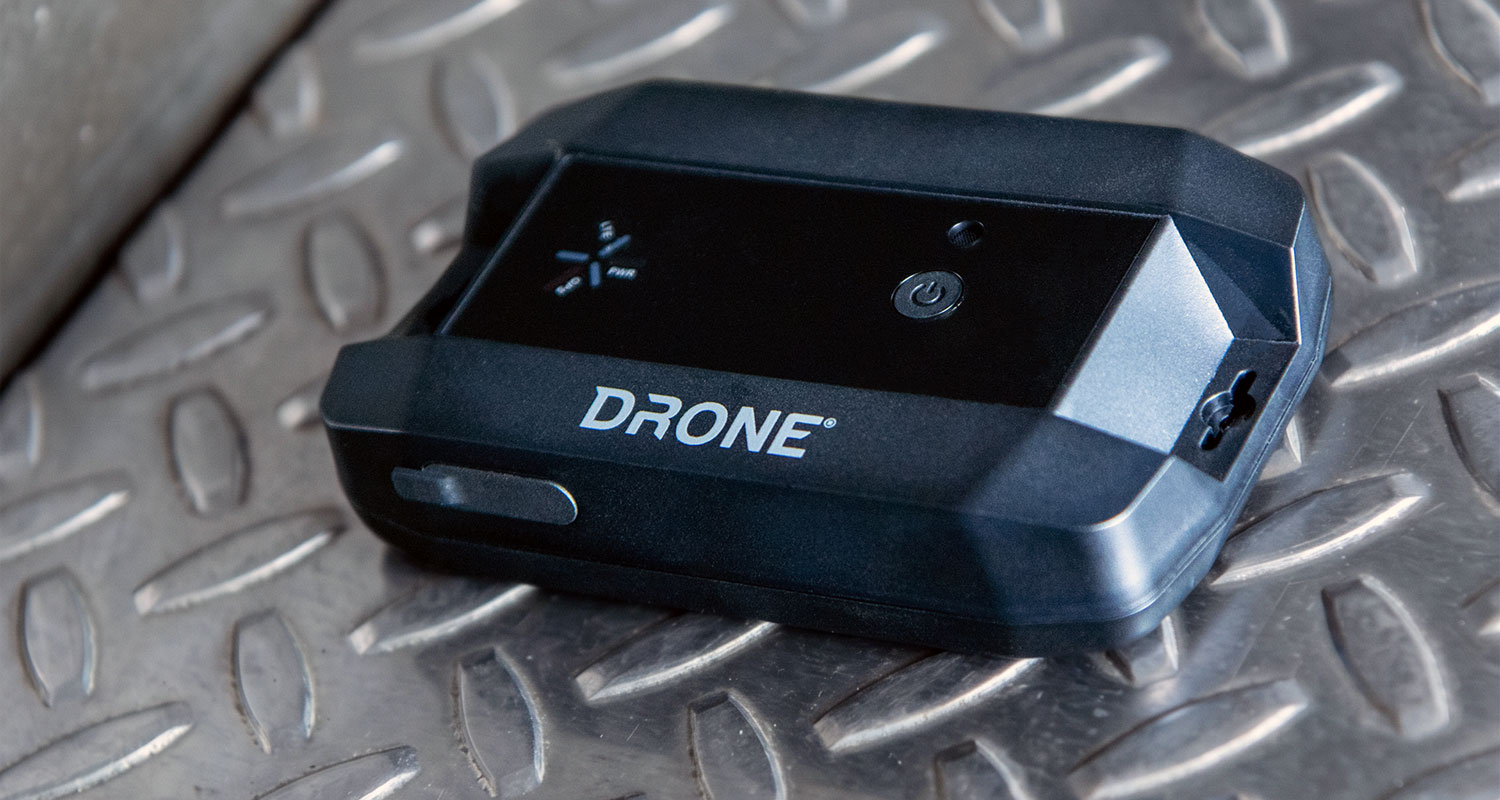
Tracking Anything, Anywhere with the All-New Drone XT
Drone XT (model #: XT-LTE) is a universal, battery-powered GPS tracker that can be magnetically mounted to any valuable asset. I
May 11, 2026
Read More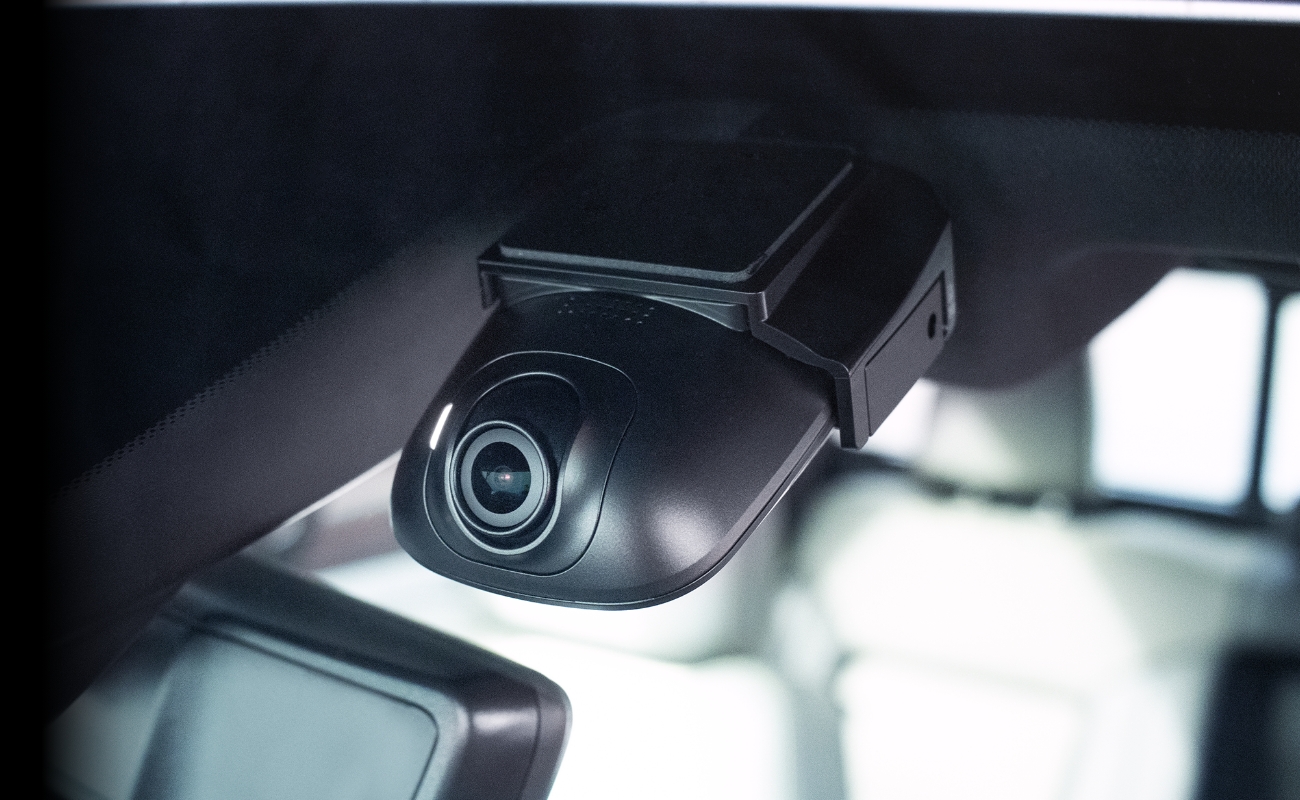
Why Dash Cams are the Future of Vehicle Security
As a Compustar and DroneMobile user, you’re part of a community that prioritizes being "in the know." You’ve experienced the peace of mind that comes with remote start, GPS tracking, and instant security alerts.
Apr 29, 2026
Read More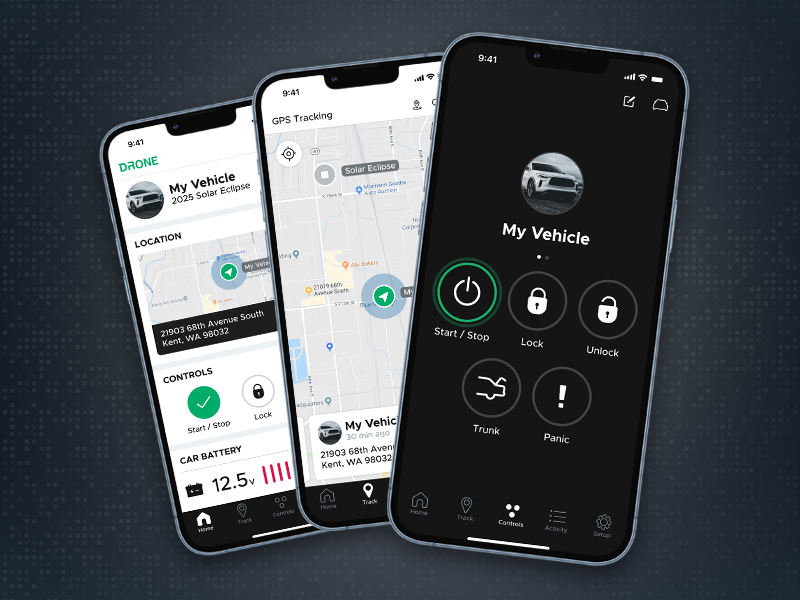
Which DroneMobile Plan do I need?
DroneMobile offers a range of plans designed to fit every driver's lifestyle. Whether you just want the convenience of warming up your car from your office or you need to manage a fleet of service vehicles, there is a tier for you.
Feb 2, 2026
Read More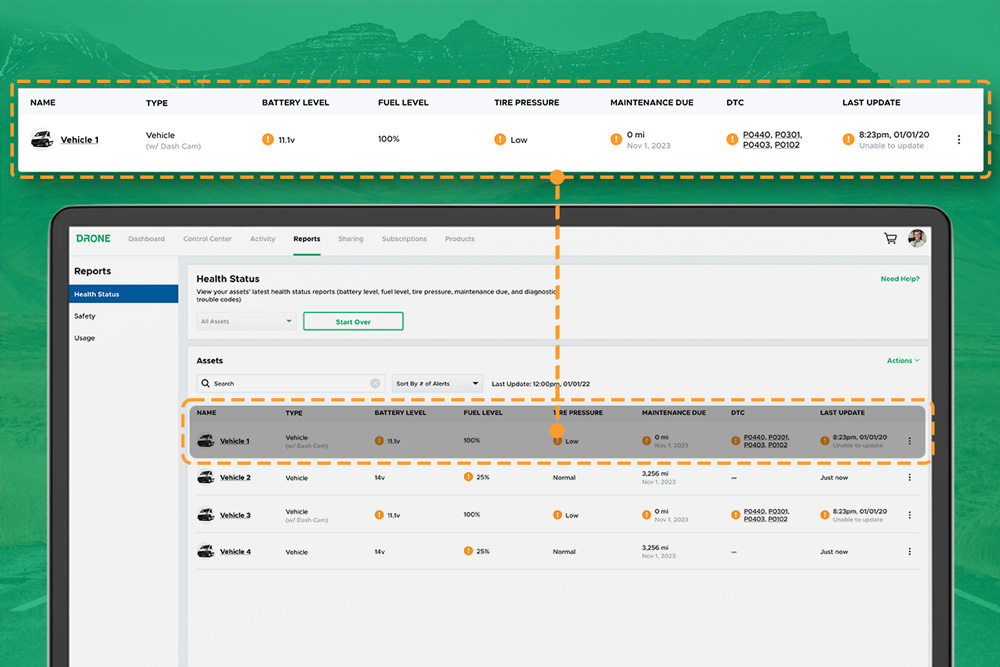
DroneMobile Just Got an Upgrade - Introducing the Updated Web App!
The DroneMobile Team is thrilled to announce the launch DroneMobile's updated desktop web application, now live at https://accounts.dronemobile.com!
Oct 26, 2025
Read More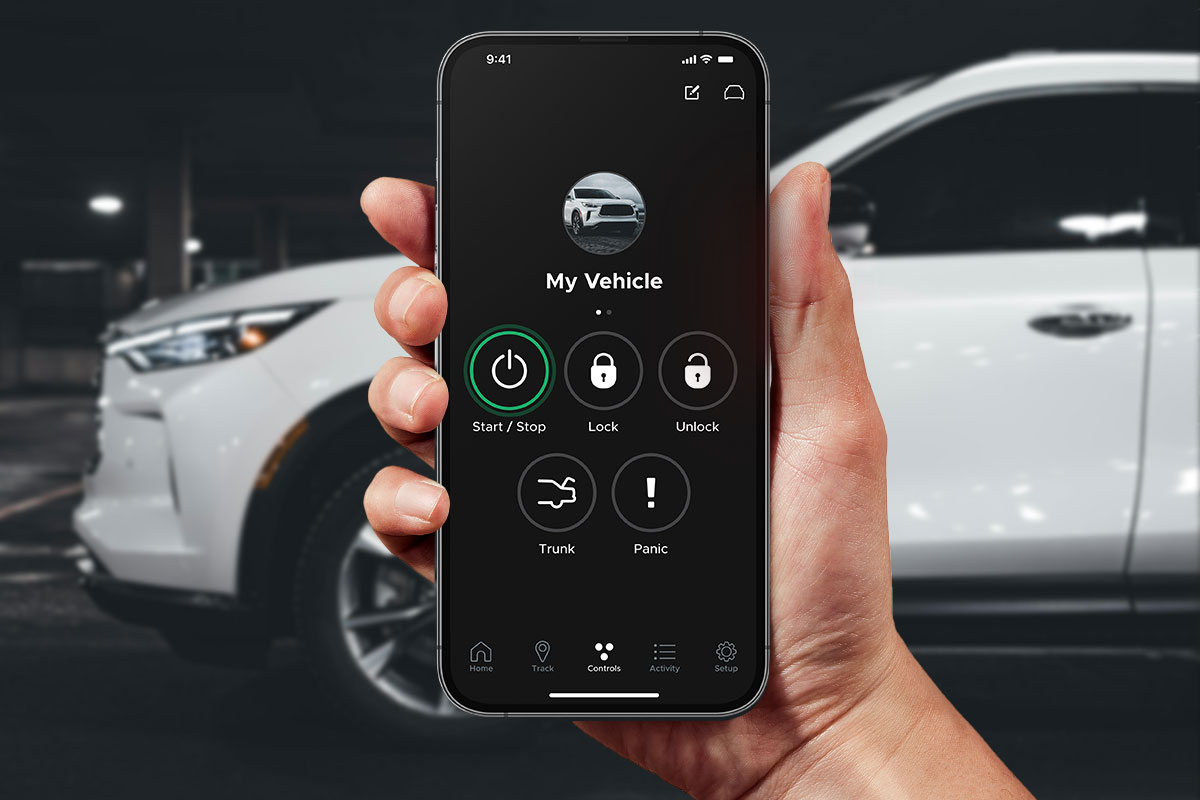
An Important Update Regarding DroneMobile Subscription Pricing
Today, we want to share an important update regarding our subscription plan pricing. Effective June 1st, 2025 we will be making a moderate price adjustment to select 3-year and 5-year* subscription terms. These changes will affect all renewals that take place after June 1st, 2025.
May 12, 2025
Read More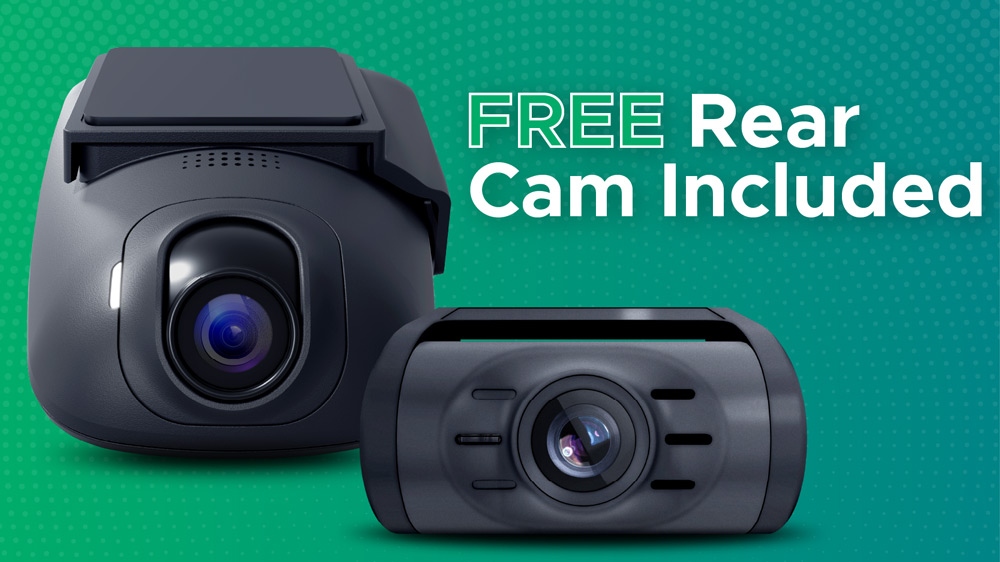
Get a Free Rear Camera for Drone XC - May 2025
The Drone XC Dash Cam System, paired with its complimentary rear-facing camera, offers a comprehensive solution for safer driving. Get it now before this offer expires May 31st, 2025.
May 6, 2025
Read More
What's New with Drone XC2?
Let's dive into what's new with Drone's newest dash camera, the XC2-LTE.
Jul 14, 2026
Read MoreFirstech Announces Next-Generation Drone XC2 LTE Dash Camera
Firstech, the maker of Compustar and DroneMobile, today announced the release of the Drone XC2 (model: XC2-LTE), the next generation of its LTE-connected dash camera ecosystem.
Jul 14, 2026
Read MoreTracking Anything, Anywhere with the All-New Drone XT
Drone XT (model #: XT-LTE) is a universal, battery-powered GPS tracker that can be magnetically mounted to any valuable asset. I
May 11, 2026
Read MoreWhy Dash Cams are the Future of Vehicle Security
As a Compustar and DroneMobile user, you’re part of a community that prioritizes being "in the know." You’ve experienced the peace of mind that comes with remote start, GPS tracking, and instant security alerts.
Apr 29, 2026
Read MoreWhich DroneMobile Plan do I need?
DroneMobile offers a range of plans designed to fit every driver's lifestyle. Whether you just want the convenience of warming up your car from your office or you need to manage a fleet of service vehicles, there is a tier for you.
Feb 2, 2026
Read MoreDroneMobile Just Got an Upgrade - Introducing the Updated Web App!
The DroneMobile Team is thrilled to announce the launch DroneMobile's updated desktop web application, now live at https://accounts.dronemobile.com!
Oct 26, 2025
Read MoreAn Important Update Regarding DroneMobile Subscription Pricing
Today, we want to share an important update regarding our subscription plan pricing. Effective June 1st, 2025 we will be making a moderate price adjustment to select 3-year and 5-year* subscription terms. These changes will affect all renewals that take place after June 1st, 2025.
May 12, 2025
Read MoreGet a Free Rear Camera for Drone XC - May 2025
The Drone XC Dash Cam System, paired with its complimentary rear-facing camera, offers a comprehensive solution for safer driving. Get it now before this offer expires May 31st, 2025.
May 6, 2025
Read More